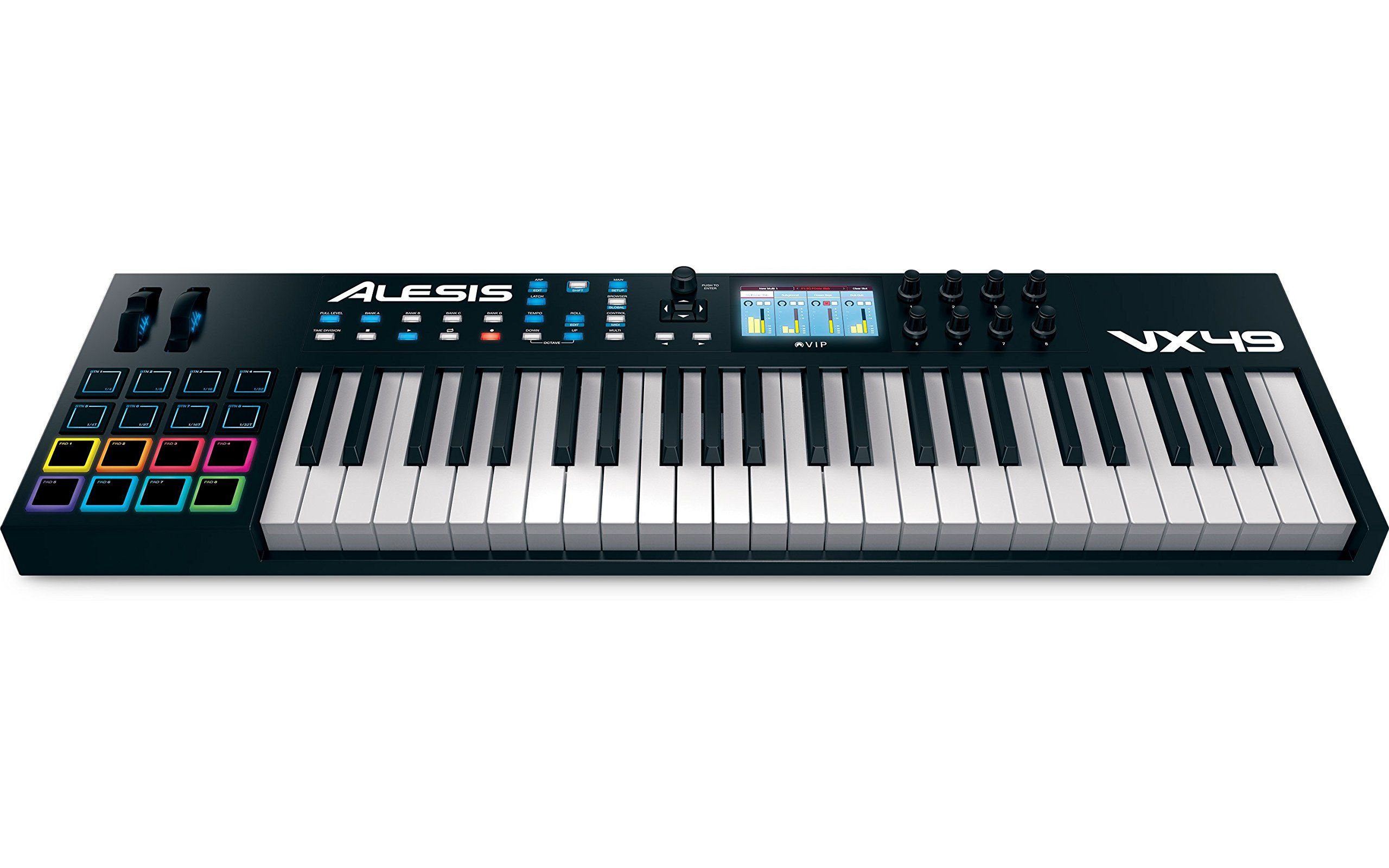

Color: Assorted Colors
Size: 49-key
Binding: Electronics
Model Number: VX49
Part Number: VX49
Details: The VX49 fuses the creative power of software instruments with the live playability of a keyboard workstation, by transforming computer based VST plugins into entirely hands-on production experience. Maximize your workflow with integrated software because its time to control… express an create the music you want.At the heart of the VX49 is a 4.3" full color high-resolution display screen. This screen allows you to directly interface with your DAW and virtual instrument plugins better than ever before. With an unprecedentedly efficient control layout and workflow, the VX49 is the perfect choice for today’s most demanding producers and keyboardists.Using the included Virtual Instrument Player (VIP) software, the VX49 fuses the power of software instruments with the live playability of a keyboard workstation. This transforms computer-based plugins into a hands-on production experience. VIP works with any VSTi virtual instrument, including plugins by software giants SONiVOX and AIR Music Tech.An integrated patch browser presents every patch for every VST plugin you have, and enables you to quickly filter, select, and preview patches based on their specific attributes. You can even layer multiple patches together (from up to 8 different VST plugins) to create new patches and timbres. All of this—without ever reaching for the computer.
Package Dimensions: 38.4 x 13 x 6 inches
Category: Musical Instruments
Brand: Alesis
Features:
Integrated 4.3-inch high-resolution full-color screen with dedicated interface buttons
Screen provides 1:1, real-time feedback of plugin parameters
Includes Virtual Instrument Player software-load, play and control any VST plugin
Custom 49-key Alesis semi-weighted keybed with aftertouch
8 performance-ready 360-degree knobs
